Christmas AI Photo Generator — Santa Portraits From One Selfie
Every December the same ritual returns: studio Christmas photos. Book a session, wait in line, pay for prints of a Santa hat that fits no one. In 2026 that ritual has moved online — a Christmas AI photo generator takes one everyday selfie and redresses it in minutes: the Santa hat portrait, the elf costume, the matching family pajamas in front of the fireplace, all warm bokeh and golden light.
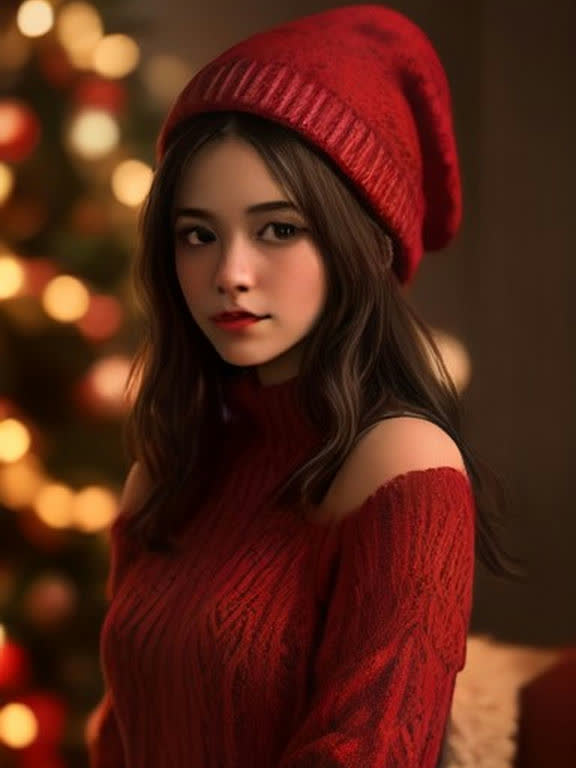
This page is the exact recipe behind the transformation above: one reference selfie of a real person, one prompt, and the image model does the rest — same face, new Santa hat, red knitted sweater and a glowing tree, rendered as a 3:4 portrait with Nano Banana Pro. Copy the prompt, upload your own photo, and your holiday portrait is minutes away.
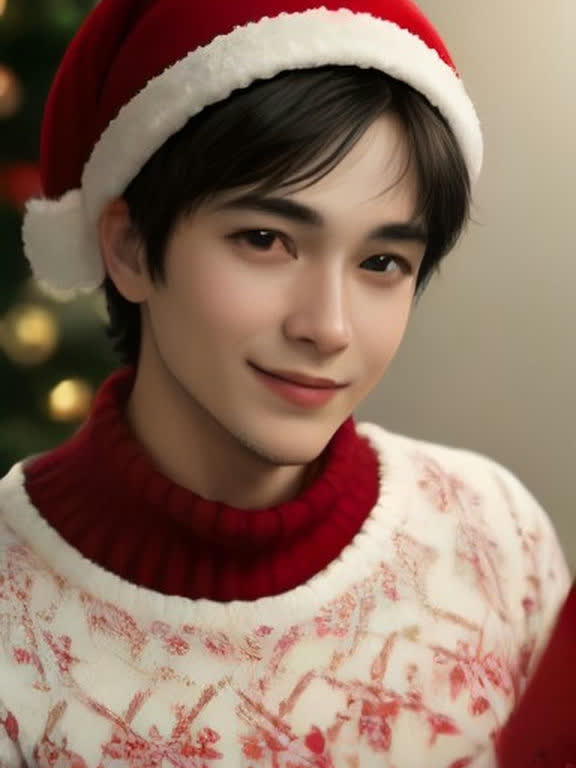
Opens the studio with the prompt and photos prefilled — you press Generate.
How this template was made
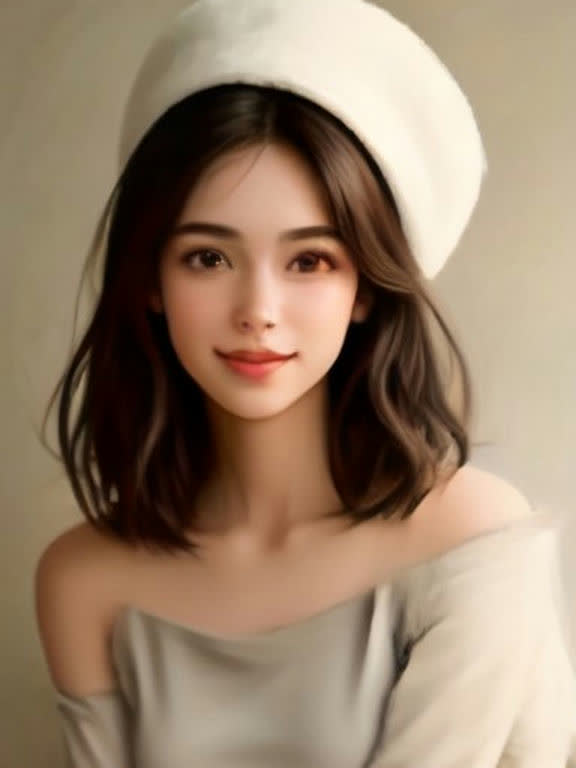
Prompt recipe
A photorealistic vertical Christmas portrait, 3:4, of the person in the reference photo, face unchanged and clearly recognizable. Look: she wears a soft red Santa hat and a cozy red knitted sweater, standing beside a glowing decorated Christmas tree in a cozy living room at night, warm golden bokeh lights, gentle cinematic light on her face. Style: natural skin texture, shallow depth of field, warm Christmas palette, the mood of a professional holiday photoshoot — not a costume collage. Consistency: same face, same hair and same eye features as the reference photo; no face morphing, no extra fingers, no text, no watermark.
Why AI Christmas photos replaced the studio session
Holiday photos are an annual deadline, not a want: profile pictures turn red and gold, family cards must ship before the postage cutoff, and every brand needs a festive visual in the same two-week window. A studio session solves that once, at one place and time, for one outfit. A Christmas AI photo generator solves it for everything — Santa portrait tonight, elf look tomorrow, matching-pajama card for the whole family — from photos you already have on your phone.
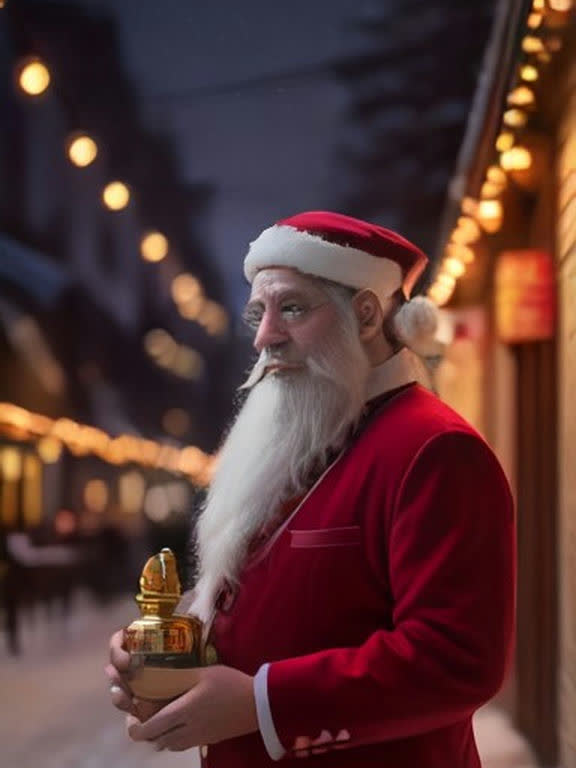
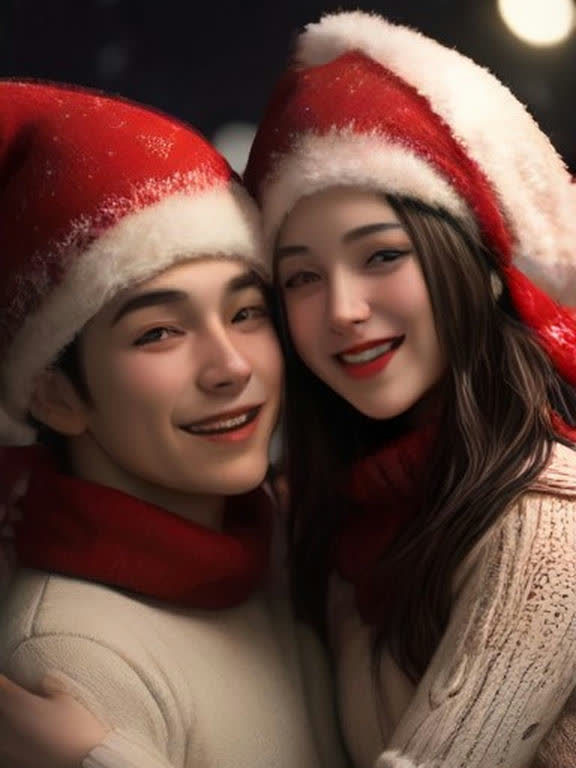
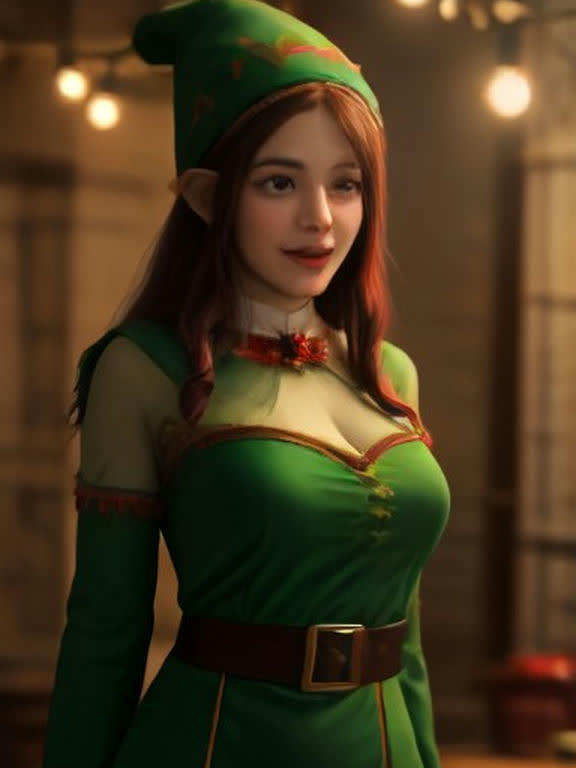
The looks that travel farthest are the classics: the Santa hat portrait beside the tree, the couple in matching hats with foreheads touching, the elf in the gift workshop, and the family pajama scene in front of the fireplace — the four variants in the gallery above were all generated from the same prompt skeleton.
How the Santa portrait prompt works
The recipe locks four blocks. Subject: the person in the reference photo, face unchanged and clearly recognizable — stated first so the model treats the face as fixed. Look: soft red Santa hat, cozy red knitted sweater, decorated tree with warm golden bokeh — the costume and the scene in one sentence. Style: photorealistic, natural skin texture, shallow depth of field, the mood of a professional holiday photoshoot — this is what separates a portrait from a costume collage. Consistency lock: same face, same hair, same eyes; no face morphing, no extra fingers, no text, no watermark.
Order matters more than wording. Face-first, then costume, then scene, then style, then prohibitions — image models weight the opening lines heaviest, so the identity statement lands before the Christmas dressing. Skipping the prohibitions is the usual failure: without "no face morphing" the model quietly blends your features toward a generic festive face.
Make it your own — elf, couple, family card
The prompt skeleton survives every holiday variant. Swap the Look block for a green elf costume with jingle bells in a gift workshop; for a couple in matching Santa hats with foreheads touching in the snow; for matching red plaid pajamas in front of the fireplace. Keep Subject and Consistency lock word-for-word — they are what makes it your photo instead of a stranger’s.
Want a fictional model instead of your own face? Leave the photo out and run the same prompt as text-to-image — the Santa, elf and couple shots in the gallery above prove the skeleton works without a reference. That is the fastest way to test a scene before you commit your own selfie to it.
Make yours in three steps
- 1
Pick the template
Open the template in the studio — the prompt recipe and reference photos are prefilled for you.
- 2
Swap in your cast
Replace the sample photos with your own (or edit the prompt for a text-only template). One clear, front-facing photo per person works best.
- 3
Generate and post
Press Generate, pick your favorite take, and export in vertical 9:16 ready for TikTok, Reels and Shorts.
Frequently asked questions
What is a Christmas AI photo generator?
It is a tool that turns an everyday photo — plus a text prompt — into a finished Christmas portrait: Santa hat and sweater beside the tree, elf costume in the gift workshop, matching family pajamas by the fireplace. You get a studio-grade holiday photo in minutes, with no booking, no costume and no photographer.
Do I need my own photo?
Only if you want your own face in the portrait. The recipe on this page runs image-to-image: one clear selfie keeps your likeness while the model adds the hat, sweater and tree. Prefer a fictional model? Drop the photo and run the same prompt as text-to-image — the Santa and elf shots in the gallery were made exactly that way.
Will my face stay recognizable?
Yes — that is the job of the consistency lock. The prompt states "face unchanged and clearly recognizable" first, then repeats "same face, same hair, same eye features" in the closing block, and forbids face morphing. With a clear front-facing photo, the model keeps the identity while it changes everything around it.
What kind of photo works best?
One clear, front-facing photo in even lighting — a passport-style selfie or a casual portrait both work. Avoid sunglasses, heavy filters and group shots; hair covering the face makes the model guess. The plainer the photo, the more Christmas the result.
What size is the result and can I print it?
The recipe generates a 3:4 vertical portrait — the classic holiday-card and profile format. It looks right everywhere: Instagram, WhatsApp, printed cards, even as a framed gift. The example above was generated with Nano Banana Pro.
What other Christmas photos can I make?
Swap the Look block and the skeleton follows: a couple in matching Santa hats under the snow, an elf in the gift workshop, a family in red plaid pajamas by the fireplace, or a pet in a tiny Santa hat on the rug. Same Subject block, same consistency lock — only the costume and scene change.