Shake It to the Max Duo Dance Video Template — Two-Photo Trend Remake
Duo dance trends are twice the fun and, traditionally, twice the work: two performers, synchronized moves, one continuous take. This template collapses that into two reference photos — one per dancer — and a prompt that pins the choreography, the rhythm and both faces at once.
The result above was generated with Seedance 2.5 from exactly the recipe on this page: both dancers side by side, head to toe, matching the original routine's moves, poses and transitions without a single cut.
Opens the studio with the prompt and photos prefilled — you press Generate.
How this template was made
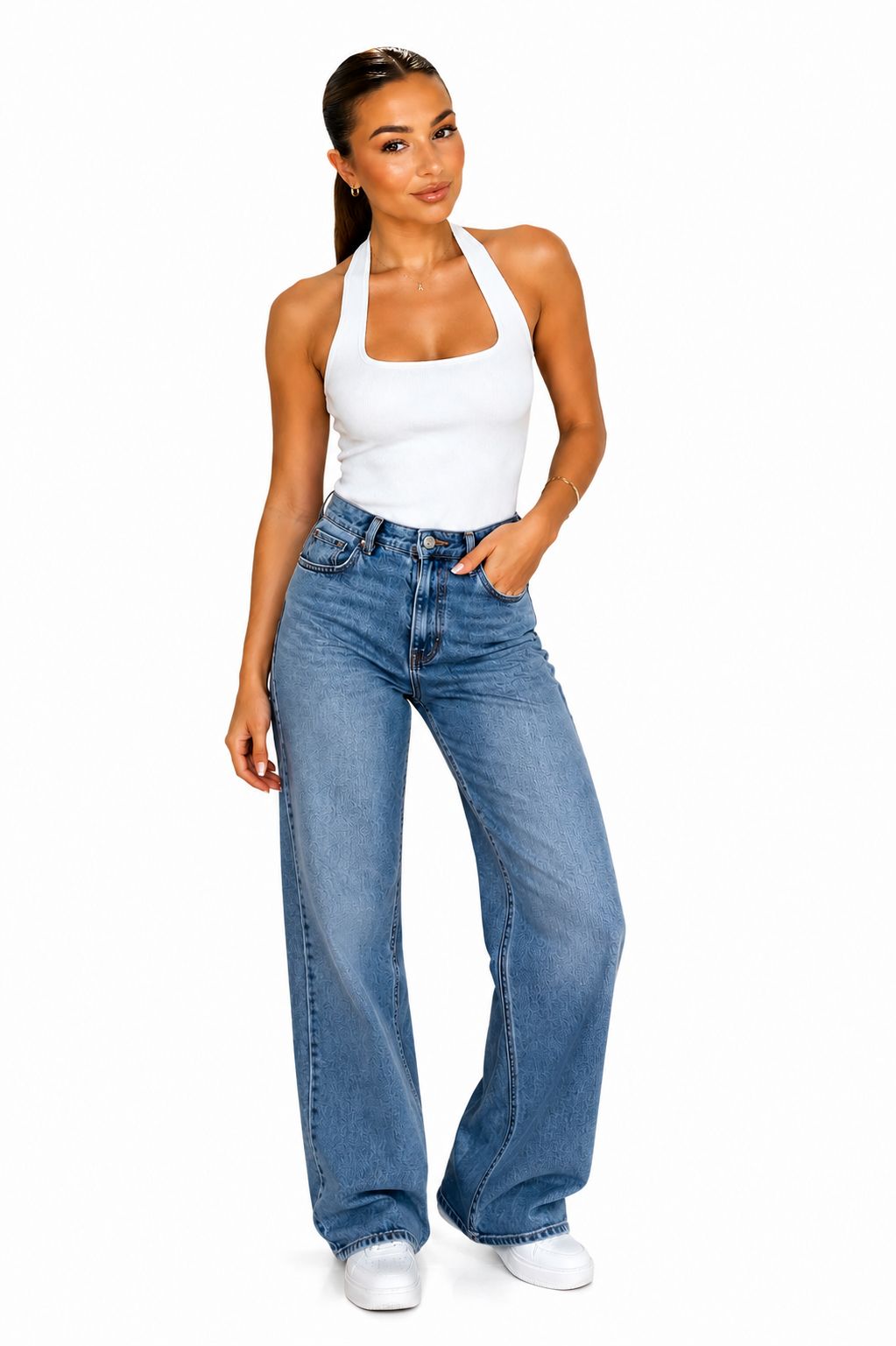
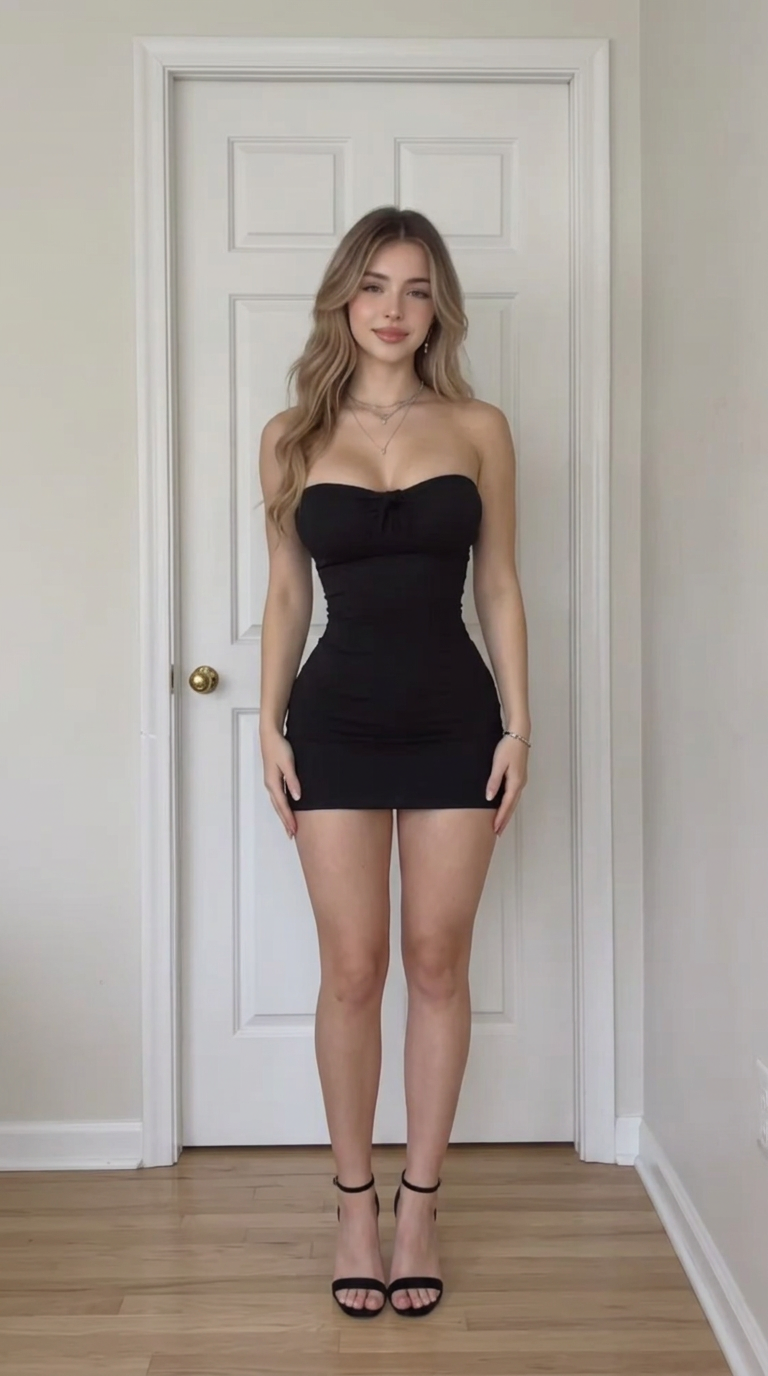
Prompt recipe
Use @Image1 as the first dancer and @Image2 as the second dancer. Both people dance together side by side, faithfully recreating the choreography from @Video1. Use @Video1 exclusively as the motion reference. Both dancers perform the same dance moves, poses, gestures, rhythm, timing, and transitions as the original dancer in @Video1. Both people must dance simultaneously and stay synchronized throughout the entire video. Preserve the distinct facial features, hairstyle, clothing, body shape, and identity of each person from their respective reference image. Keep both dancers fully visible from head to toe, standing side by side with natural spacing. Maintain a fixed camera angle and consistent framing. Natural human anatomy, realistic body movements, smooth motion, and consistent character appearance throughout the video. Generate a single continuous shot. No extra people, no identity swapping, no duplicated limbs, no body distortion, and no overlapping bodies.
How the two-photo cast works
The prompt assigns each photo a role — @Image1 is the first dancer, @Image2 is the second — and then locks each dancer's facial features, hairstyle, clothing and body shape to their own reference for every frame. The trend clip rides along as the motion reference: same moves, same gestures, same timing and transitions as the original dancer.
Both people dance simultaneously and stay synchronized through the whole take — one continuous shot, fixed camera, natural spacing between the dancers, no extra people and no overlapping bodies.
Photos that cast cleanly
Give each dancer one sharp, front-facing photo with the face fully visible and the outfit you want them to wear — the model keeps whatever the reference shows. Full-body or waist-up framing both work; avoid heavy filters, sunglasses and motion blur.
Matching the two photos helps too: similar lighting direction and camera height between references make the final duo look shot in the same session.
Remaking it responsibly
Only cast people who agreed to appear — yourself, friends who said yes — and never impersonate real people or public figures. Credit the trend when you post, and use audio licensed on the platform you publish to.
Make yours in three steps
- 1
Pick the template
Open the template in the studio — the prompt recipe and reference photos are prefilled for you.
- 2
Swap in your cast
Replace the sample photos with your own (or edit the prompt for a text-only template). One clear, front-facing photo per person works best.
- 3
Generate and post
Press Generate, pick your favorite take, and export in vertical 9:16 ready for TikTok, Reels and Shorts.
Frequently asked questions
How many photos does the duo dance template need?
Exactly two — one photo per dancer. The multimodal studio also accepts a reference clip of the trend so the choreography can be matched; the prompt below includes the motion-reference instructions.
Does it follow the original choreography exactly?
The prompt instructs the model to reproduce the reference's moves, poses, rhythm and transitions. Expect a faithful re-cast — same routine and timing — rather than a pixel-identical copy; generate two or three takes and keep the tightest one.
What format does the result come in?
Vertical 9:16, a single continuous 10-second take — ready for TikTok, Reels and Shorts. The example above was generated with Seedance 2.5.